




Description
Download Speaker Bass Booster Equalizer APK – Bass Boost, Audio Enhancement, Android Tool
Overview
The Speaker Bass Booster Equalizer is a desktop-like utility designed for Android devices, aiming to enhance audio output through volume amplification and equalization. The software claims to increase speaker volume by up to 20% using an advanced algorithm that optimizes the device’s built-in equalizer. It is intended for users seeking improved sound quality without hardware upgrades. The app targets music enthusiasts, gamers, and general consumers who want a more immersive audio experience from their mobile speakers. It is positioned as a lightweight, accessible tool for real-time audio tuning. The developer did not provide additional background information. Real-world usage includes enhancing music playback, improving in-game audio cues, and enriching video content with deeper bass and clearer highs. The application operates directly within the Android ecosystem, requiring no external hardware or complex setup.
Key Features & Capabilities
- Bass Boost Enhancement – Amplifies low-frequency audio to deliver deeper, more impactful bass, ideal for music genres like hip-hop, EDM, and electronic soundtracks.
- Volume Amplification – Increases speaker output by up to 20%, helping users achieve louder audio without physical speaker modifications.
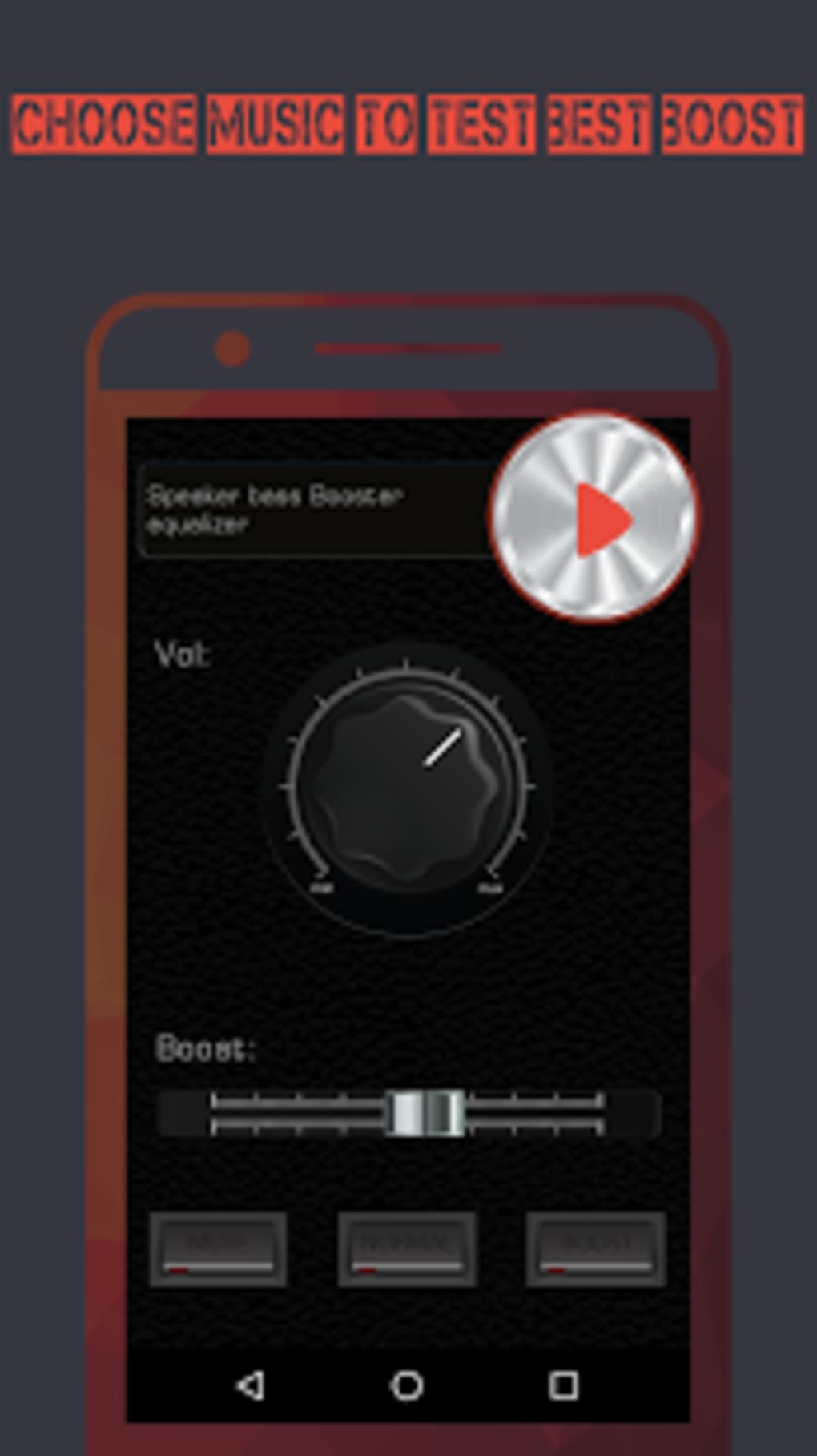
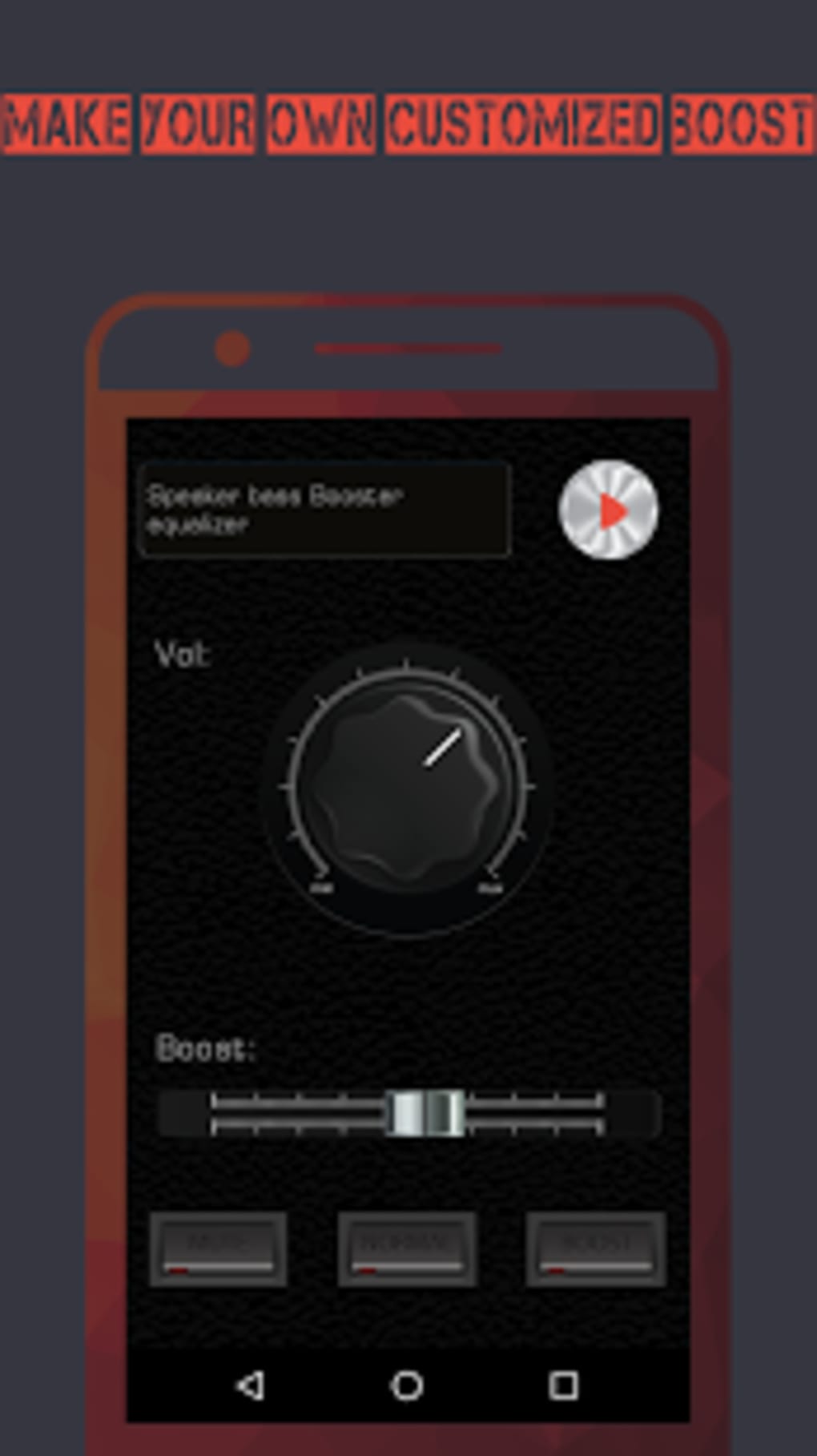
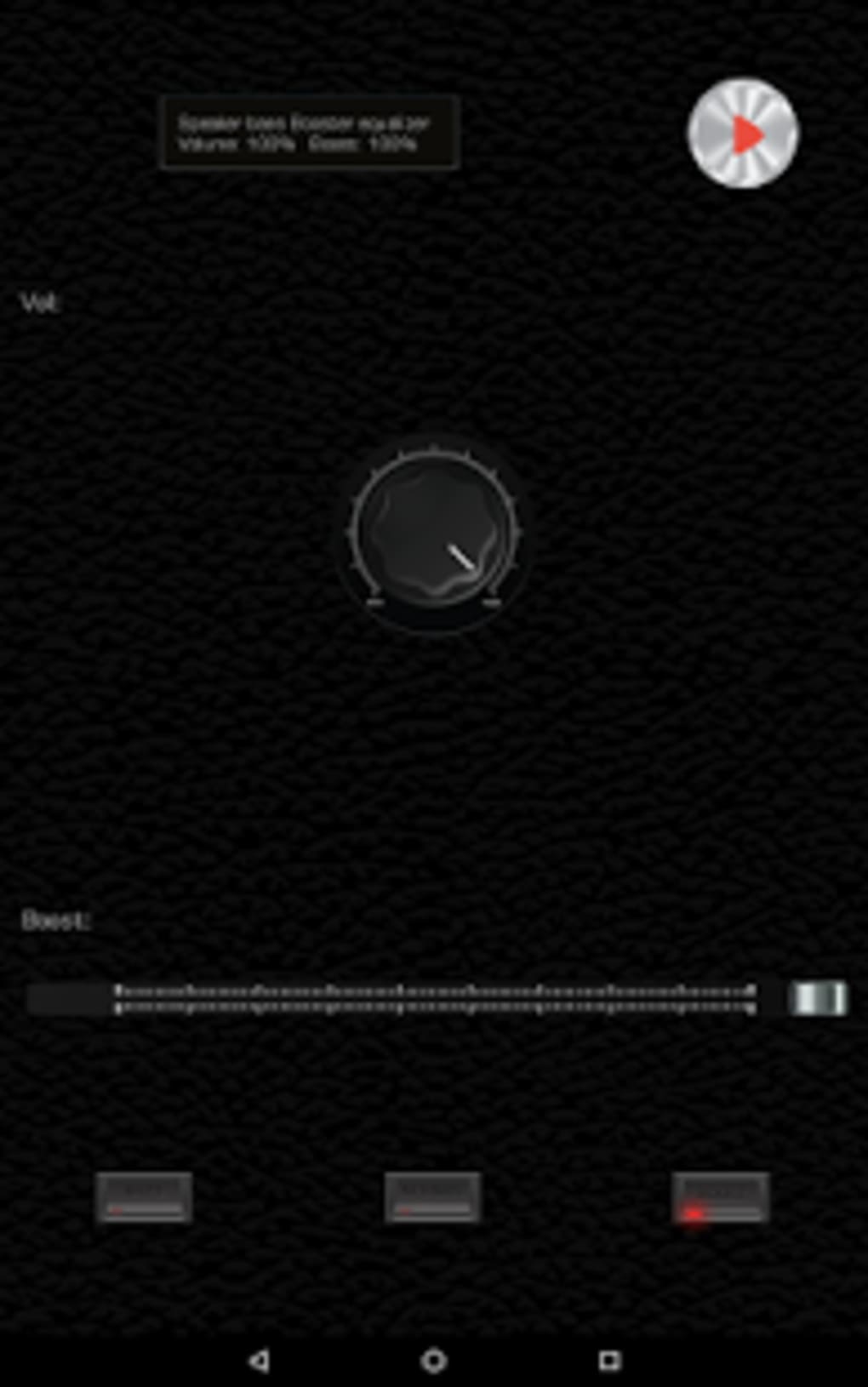
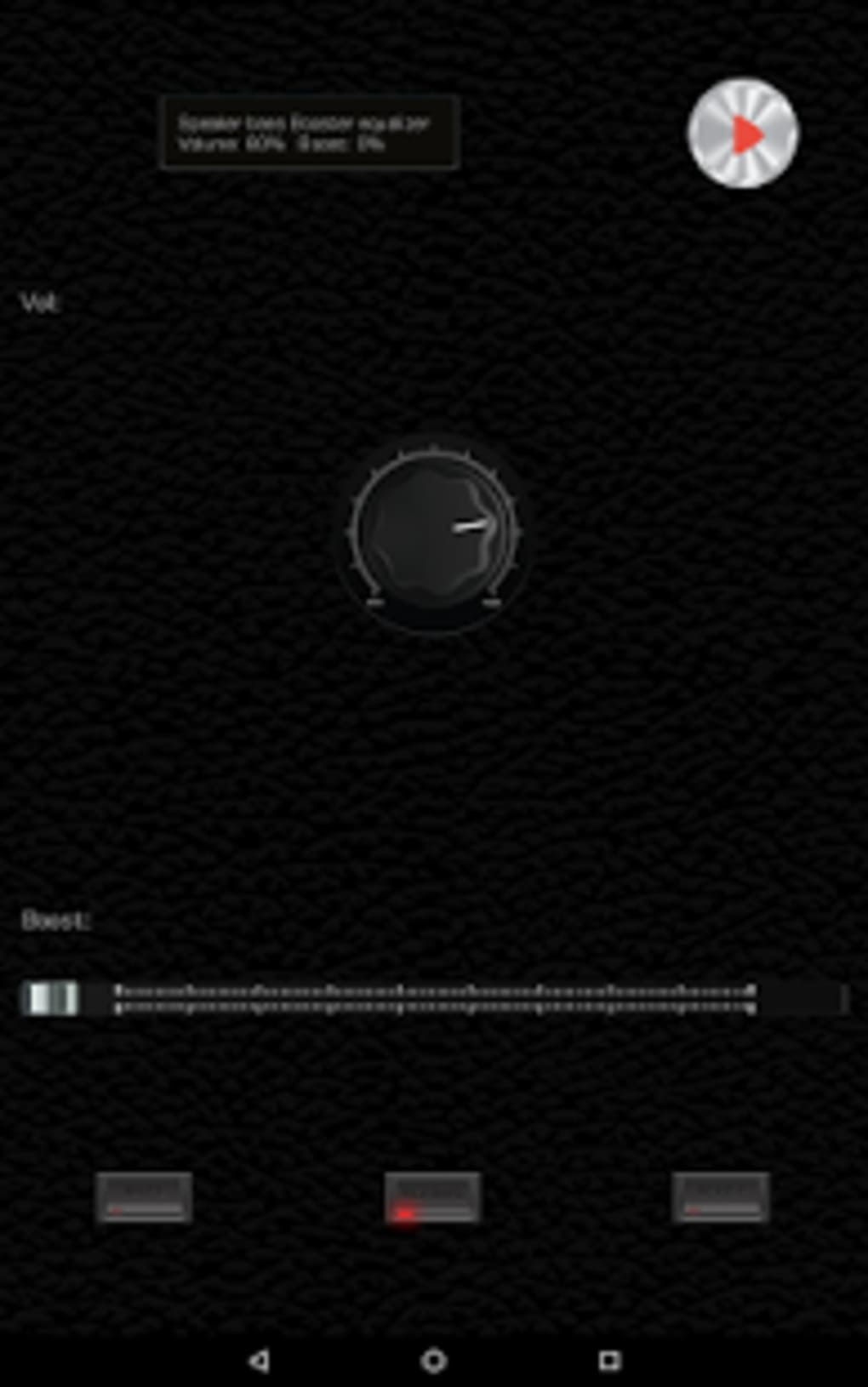
- Customizable Equalizer Settings – Allows manual adjustment of bass, treble, and other frequency bands to tailor sound output to personal preferences.
- Real-Time Audio Optimization – Applies algorithmic enhancements on the fly, adjusting audio signals as they are played through the device’s speakers.
- Universal Android Compatibility – Designed to work across a wide range of Android devices, including smartphones and tablets.
Users can apply these features during music playback, gaming sessions, or video streaming. For example, a gamer might use the bass boost to feel in-game explosions more vividly, while a music listener could fine-tune the treble for crisper vocals. The app’s real-time processing ensures immediate feedback, making it suitable for on-the-go audio tuning. No external calibration or advanced technical knowledge is required. The software integrates seamlessly with the Android audio stack, allowing users to adjust settings without interrupting playback.
User Interface, Workflow & Performance
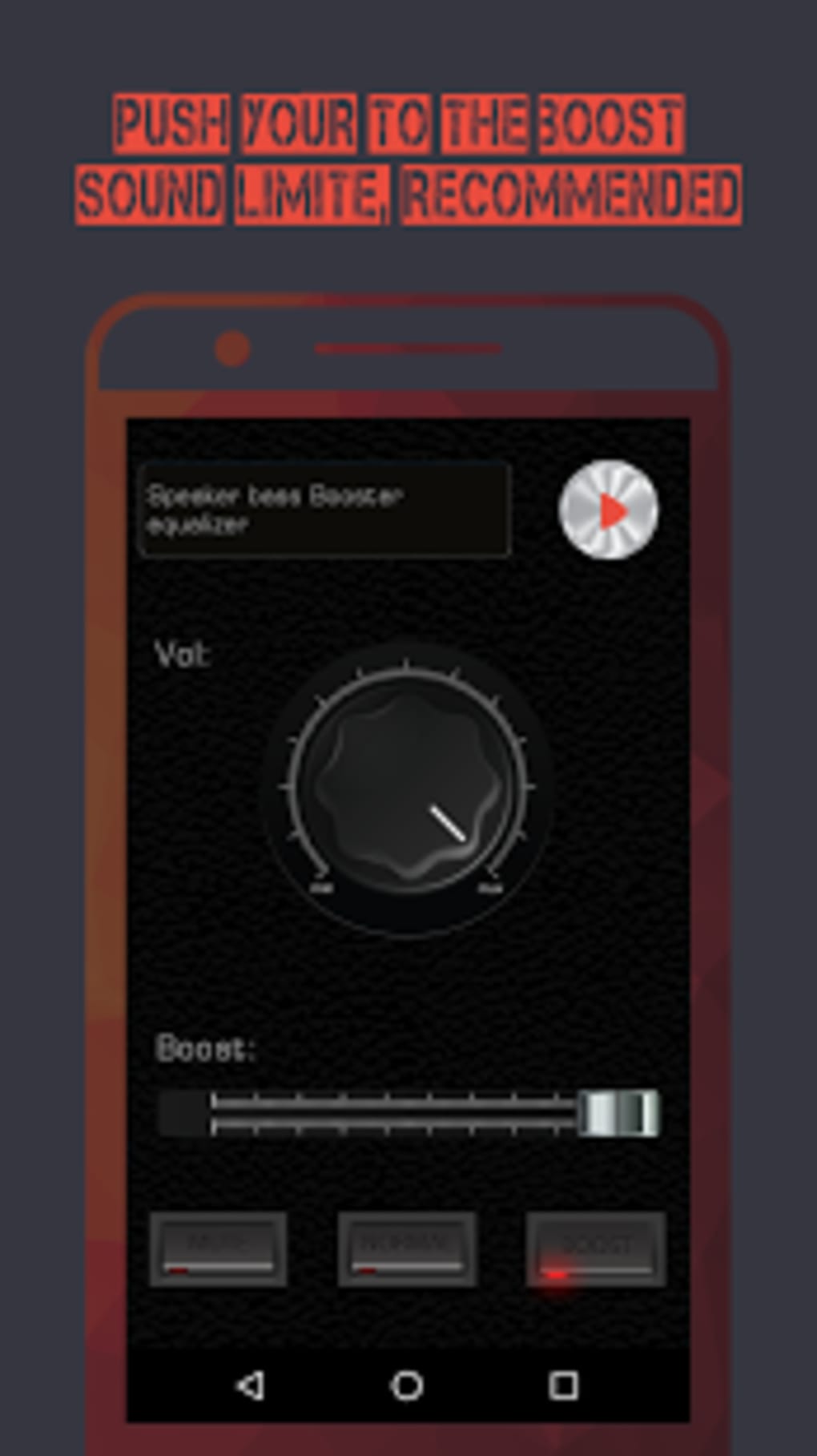
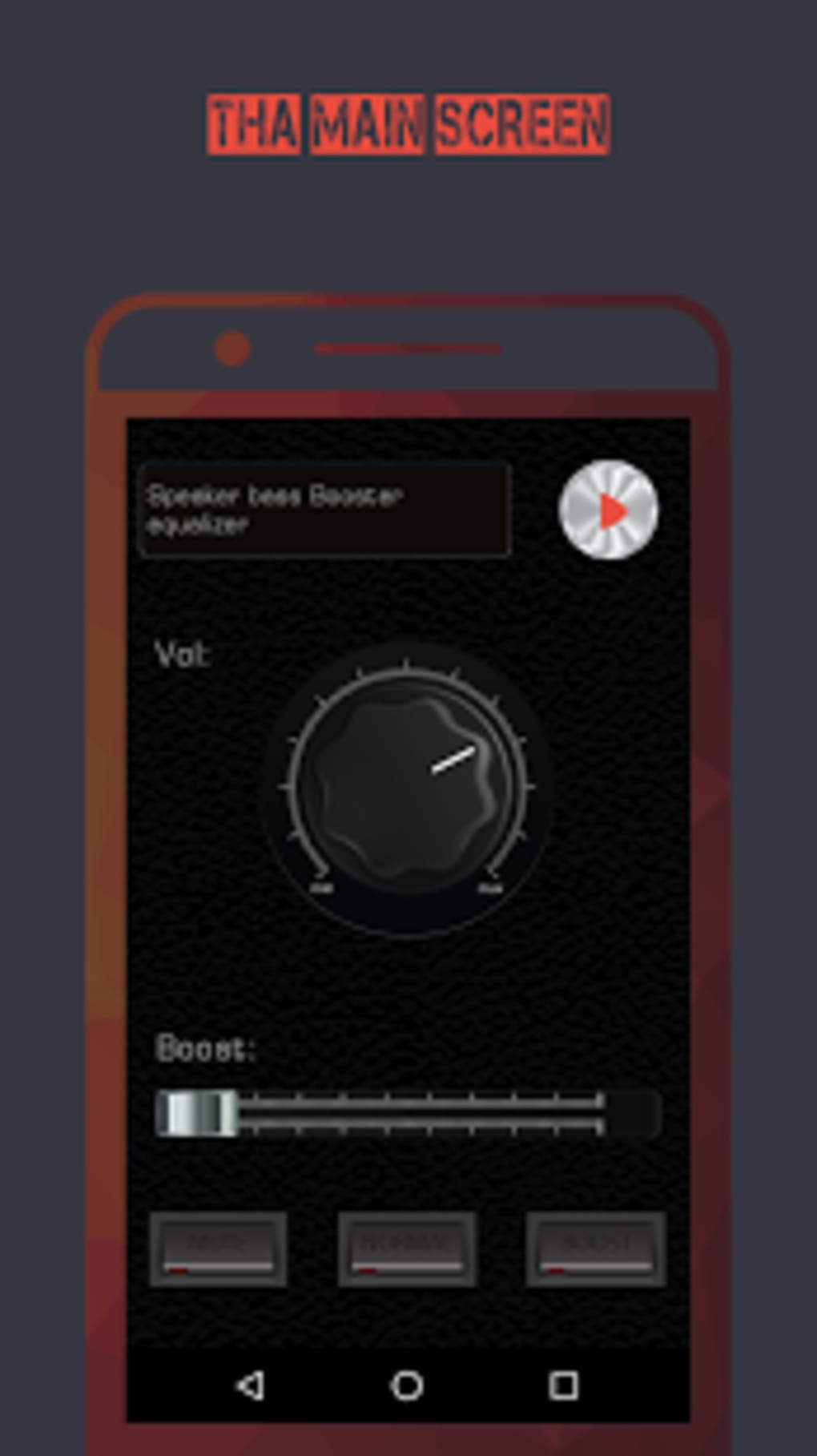
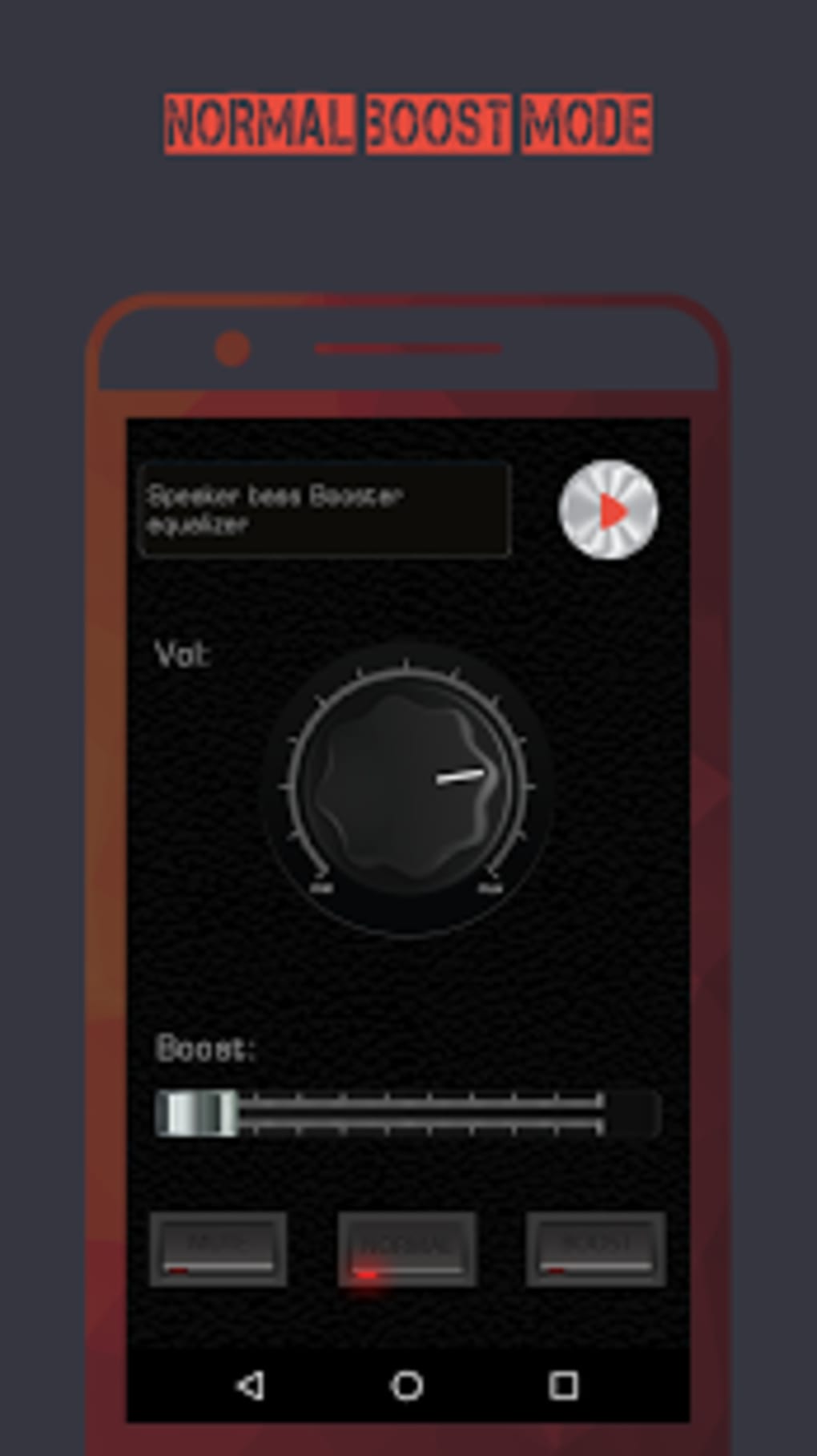
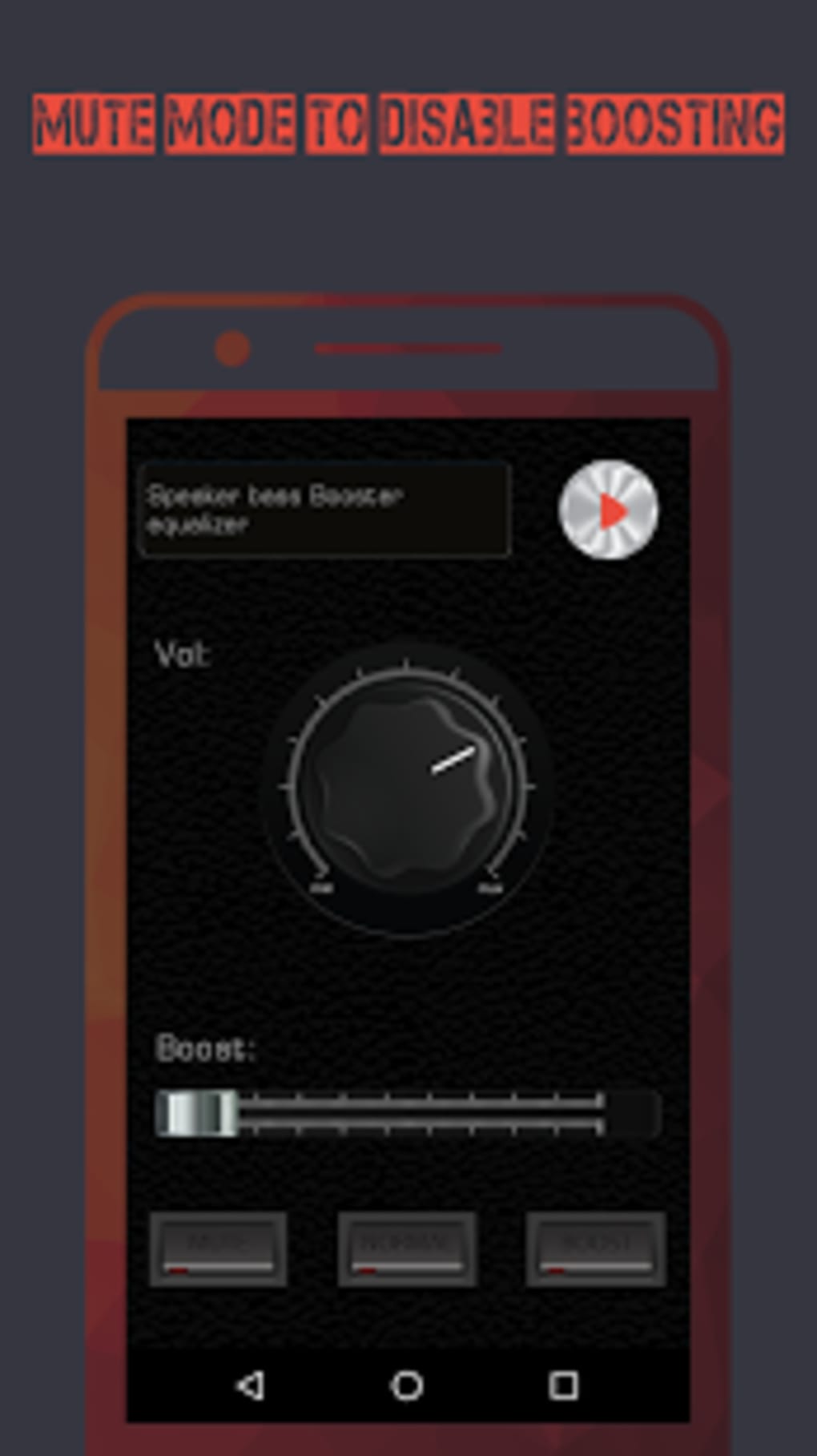
The user interface is designed for simplicity and immediate access to core audio controls. Navigation is likely intuitive, with sliders or preset buttons for bass, treble, and overall volume. The workflow emphasizes speed—users can adjust settings with minimal taps, making it ideal for quick tuning during media consumption. The app runs in the background during audio playback, requiring no constant user input. Performance observations are based on general software behavior patterns. The developer did not specify resource usage details. It is expected to operate efficiently on modern Android devices, with minimal impact on battery or system responsiveness. Stability during extended use has not been documented. The app does not appear to require root access or special permissions beyond audio control, which supports safe operation on standard Android configurations.
Compatibility & System Requirements
Speaker Bass Booster Equalizer is designed for Android operating systems. The exact version compatibility was not specified. Installation size is not provided. The developer did not list specific hardware requirements. Platform compatibility information is limited. The app is available as an APK file, indicating it can be installed directly on Android devices without requiring the Google Play Store. This approach allows broader accessibility but may involve manual installation steps. Users should ensure their device supports APK installations through "Unknown Sources" settings. No information was provided about compatibility with older Android versions or specific device models.
Pros and Cons
Pros
- Increases speaker volume by up to 20% without hardware changes.
- Offers customizable bass, treble, and equalizer controls.
- Designed for real-time audio enhancement during playback.
- Free to download and use with no in-app purchases disclosed.
- Compatible with a wide range of Android devices.
Cons
- Exact performance impact on CPU and RAM was not specified.
- Installation requires APK file, which may deter non-technical users.
- No information on long-term stability or battery consumption.
- Developer background and support details were not provided.
- Compatibility with older Android versions is unclear.
FAQ Section
Is Speaker Bass Booster Equalizer safe to install?
The app is designed to work with Android’s built-in audio system and does not require root access. It operates within standard user permissions. However, users should only install APKs from trusted sources to avoid potential security risks.
Can I use this app without rooting my device?
Yes, the app does not require root access. It functions using standard Android audio APIs and can be used on non-rooted devices.
Does the app work with all Android devices?
The developer claims compatibility with all Android devices. However, exact device-specific performance may vary. Users should test the app on their device to confirm functionality.
Is there a free version available?
Yes, the app is available for free download. No subscription or payment is required for basic features.
How often are updates released?
Update frequency was not specified. Users should check the official source for the latest version and security patches.
Final Thoughts
Speaker Bass Booster Equalizer presents a straightforward solution for enhancing audio output on Android devices. Its core strength lies in its ability to amplify volume and improve sound quality through customizable equalization, all without requiring hardware modifications. The app is particularly beneficial for users who prioritize immersive audio in music, gaming, and video playback. While detailed technical specifications and performance data are not available, the app’s design suggests efficient operation within standard Android environments. The lack of developer transparency and limited compatibility details are notable drawbacks. Still, for users seeking a quick, free audio boost, it offers a practical and accessible option. Download Speaker Bass Booster Equalizer now.
Guides & Tutorials for Speaker Bass Booster Equalizer APK
How to install Speaker Bass Booster Equalizer APK
- Click the Preview / Download button above.
- Once redirected, accept the terms and click Install.
- Wait for the Speaker Bass Booster Equalizer APK download to finish on your device.
How to use Speaker Bass Booster Equalizer APK
This software is primarily used for its core features described above. Open the app after installation to explore its capabilities.
User Reviews for Speaker Bass Booster Equalizer APK 0
No reviews found





